Make Product Photos Cleaner Without Changing the Product
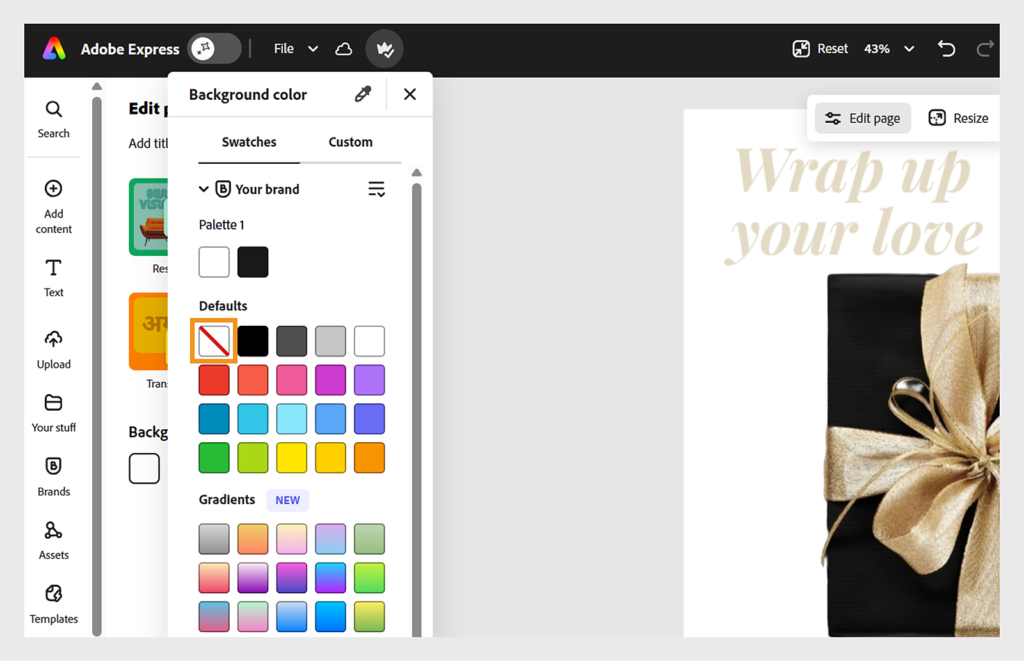
Background cleanup should help a buyer inspect the real item. It should not alter colour, texture, condition or accessories in ways that misrepresent what is sold.
A practical sequence
- Photograph the actual product in even light from useful angles. Keep an untouched original and include any marks or details relevant to the listing.
- Remove distractions or replace a background only where the tool preserves the product boundary. Inspect transparent parts, hair-like edges and reflections at full size.
- Compare the edited image with the original for colour and shape changes. Use a neutral background when accurate product reading matters more than atmosphere.
- Export for the intended listing and check the image on a second screen. Retain a real scale reference or dimensions in the listing text.
An example to adapt
Quality check: silhouette / true colour / included accessories / visible condition / background edge / crop.
Try this on a short sample before producing the full campaign. Keep the original asset and an editable working copy, then review the exported result on the device your audience will use. For an Indian audience, check language, names, numerals and the meaning of any offer with someone who understands the intended context.
What to check before you finish
An attractive AI scene is not evidence of scale or performance. Do not add accessories that are not included without making that clear.
Watch or read the final result as a new viewer. Check whether the overall impression is honest, whether the main information is readable and whether you hold the necessary rights. A tool completing a task is not the same as the finished piece being ready to publish.